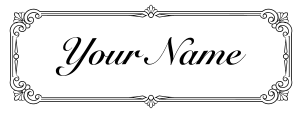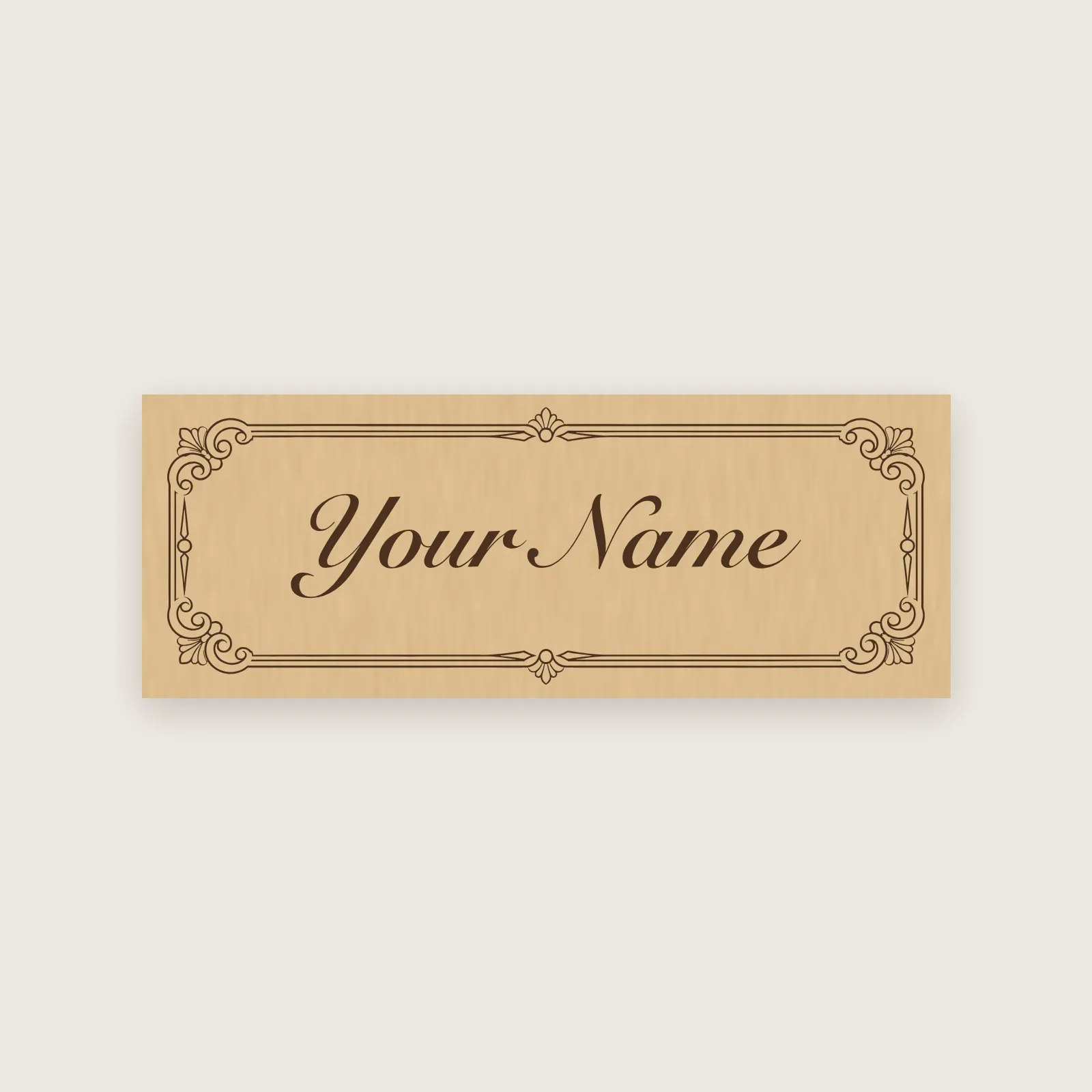
Name Tag, Classic Frame

An ornate frame with your name in the middle, engraved on an 8 × 3 cm wooden tag. Type the name and engrave.

EngraveYour text
Opens on your Mac with Lùmen 3.3 or later: material, operations and power already set for your laser. .lumen file

No Lùmen yet? Try it free for 3 days.

Size
8 × 3 cm
Material
Plywood
Laser
Engrave
Text
Editable — type your own
Drawing
AI-generated, then retouched and set up for the laser by Dimitri Giani
License
Public domain: use it for anything, also on things you sell, no credit needed · CC0-1.0
How to make it

  1. Open it in LùmenThe project opens with its material chosen and the power adapted to your laser — 3 W or 20 W, it does the arithmetic.
  2. Write your textThe name is already selected: type yours. It stays centred.
  3. Place the material and frame itPut plywood on the bed, set the zero where you want the piece, and press Frame to see where it lands.
  4. EngravePress Engrave and keep an eye on it: a first piece is also a test of your material.

Settings for other software

The SVG follows the usual colours: black is engraved, red is cut, blue is a light score line, sizes in millimetres. These are the starting numbers Lùmen uses for plywood, measured on a 3 W diode laser — on a stronger laser, lower the power and run a test first.

Operation Speed Power Passes
Engrave 1,500 mm/min 90 % 1

More projects