Free tool · beta
From a picture to a layered wood panel
Upload a logo or a photo. The tool splits it into layers you cut from plywood and glue one on top of the other, and checks every piece can actually be cut.
See one cut and paintedTap or click elements of the panel to select them; tap again to take one away. Join and Delete are in the Layers list.
wood attached to the frame
loose piece to glue
removed by the cutting rules
Cut for real
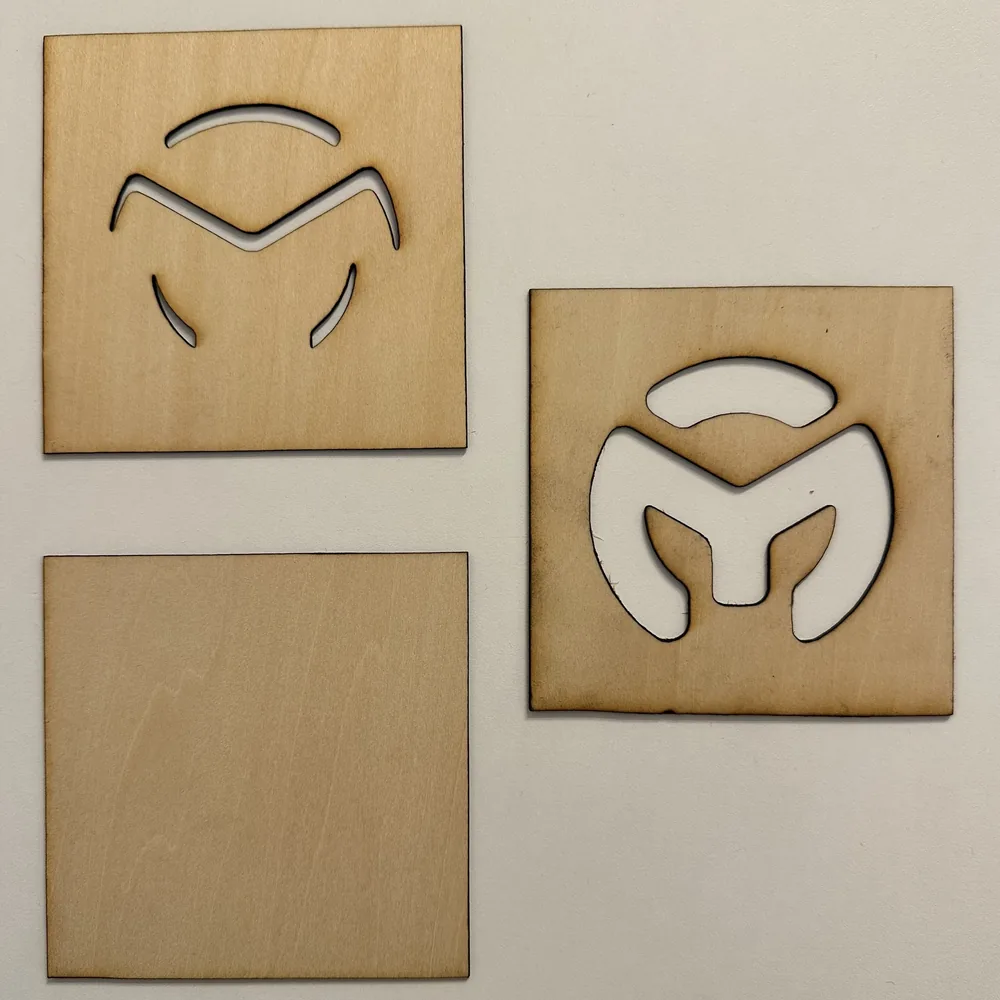
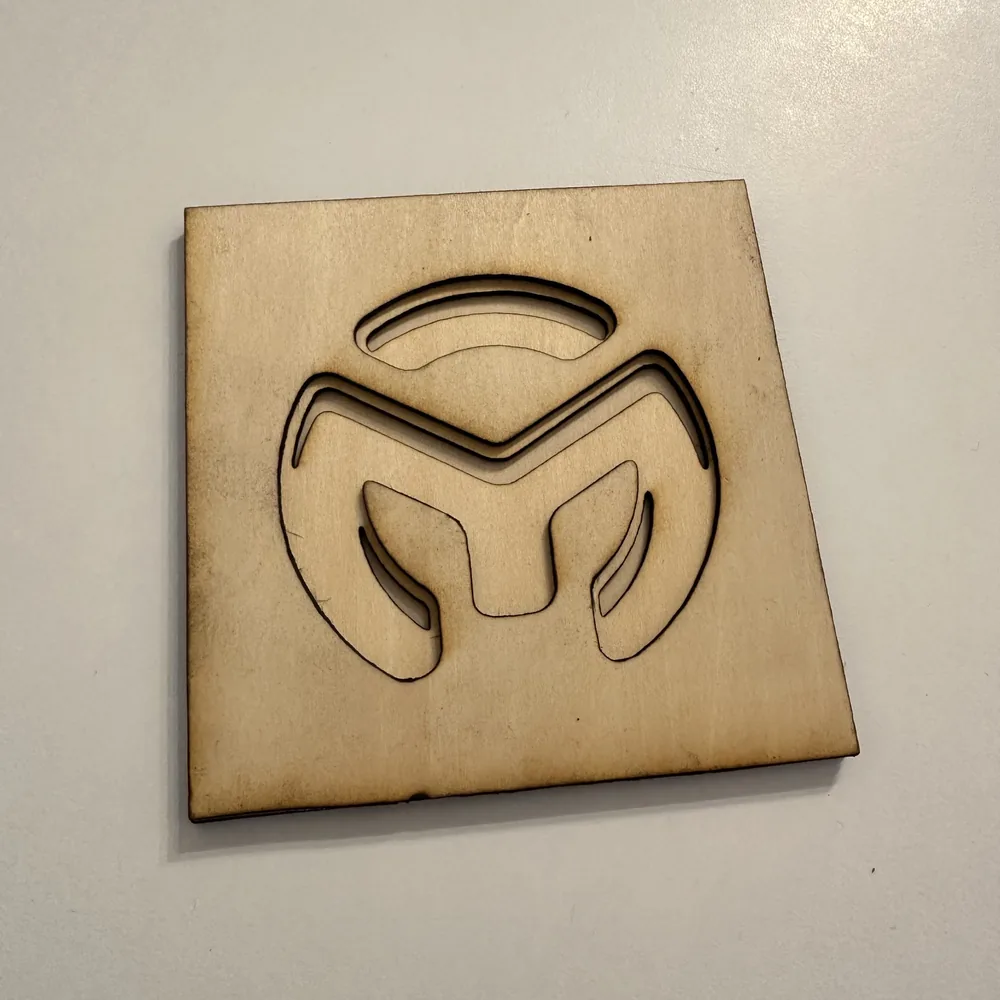
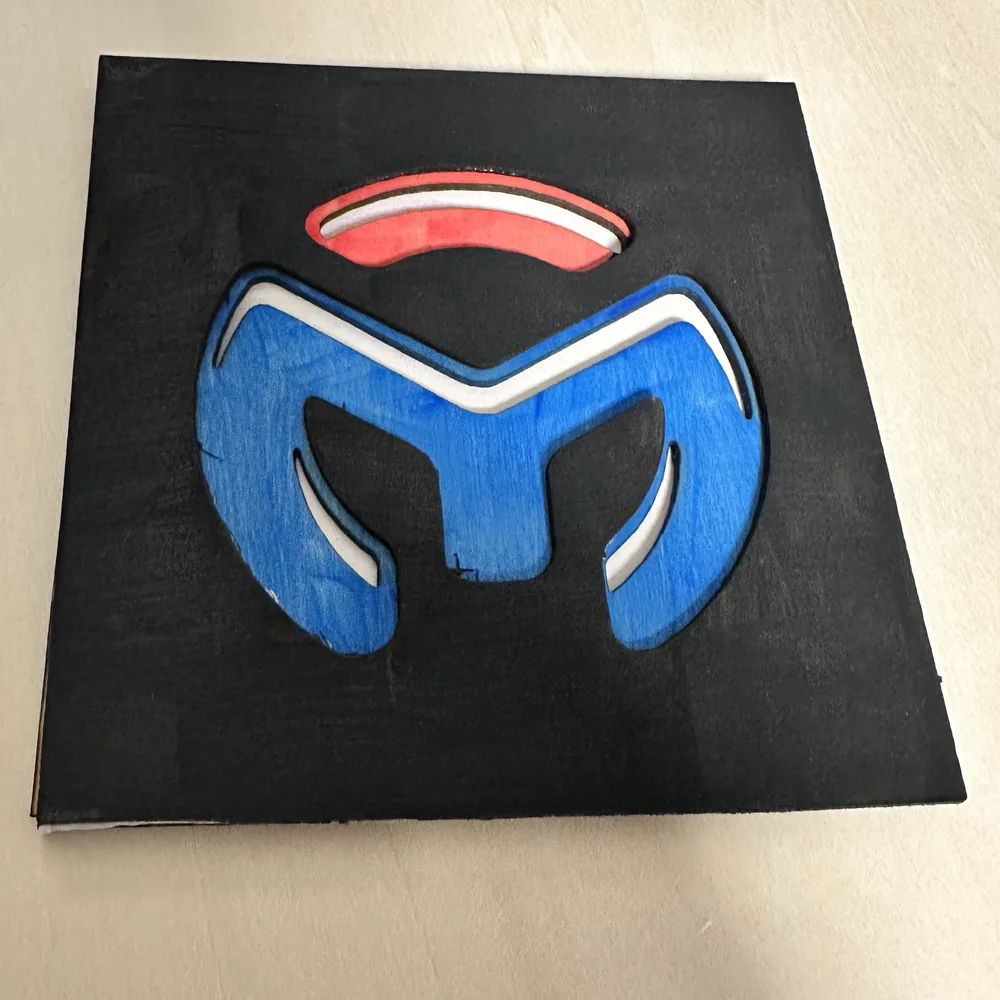
The first panel made with this tool: a logo, three layers of 3 mm plywood, 10 × 10 cm. Cut with Lùmen on a SCULPFUN C1 Mini, glued, then painted with watercolours. It came out almost exactly like the preview.