Lùmen has two kinds of file not to mix up: the project, which you open again and edit, and the exported G-code, which the machine runs without the Mac. Then there are the .lumen starter projects, to start from.
Starting a project
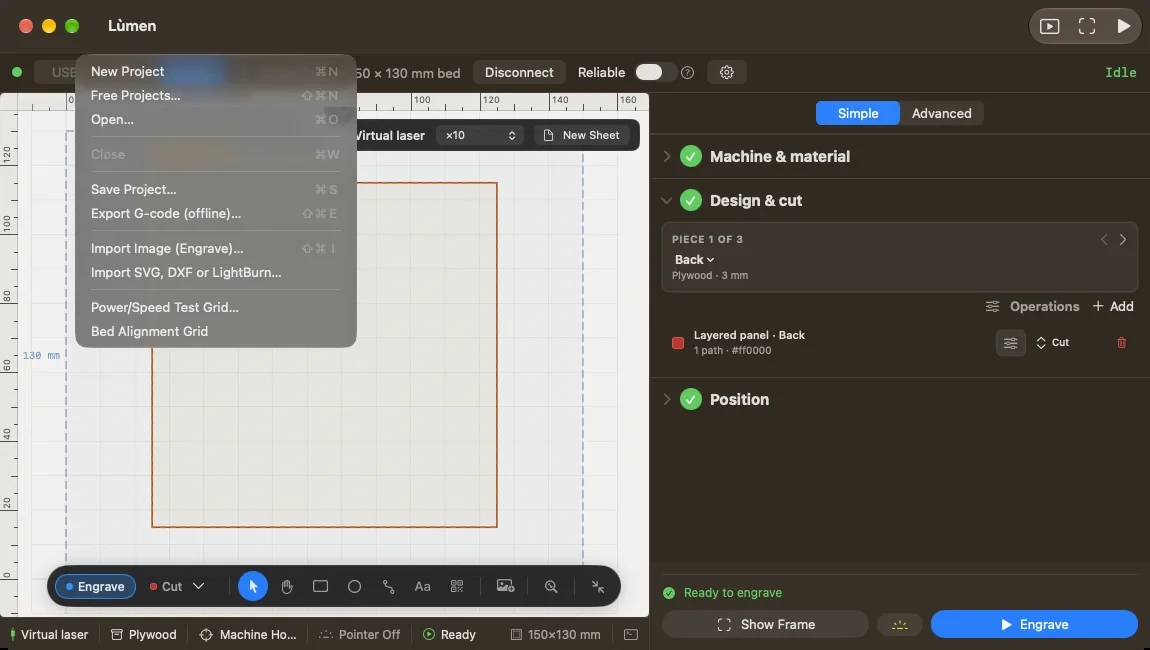
- File ▸ New Project (⌘N) opens an empty canvas.
- File ▸ Free Projects… (⇧⌘N), or the Free projects card on the welcome window, opens the free projects, the same as in the project library on the site. Pick a category or search, look at a project, and press Open in Lùmen: it opens with its material already set.
The projects come from the site, and new ones show up in the window by themselves. Opening one downloads it, so it needs an internet connection; the Leaf Wreath Coaster and the Name Tag, Classic Frame come with the app and open offline too.
If there is already a design on the canvas, Lùmen asks before it replaces it. Save it if you want to keep it.
Opening a file
File ▸ Open… (⌘O) opens a saved project or a starter project. .lumen files also open with a double-click in the Finder. Opening a .lumen makes a new project: what you change doesn’t touch the file you started from. A project saved by LightBurn (.lbrn2 or .lbrn) also opens as a new project, layer by layer: see SVG, DXF and LightBurn files.
Saving the project
File ▸ Save Project… (⌘S) writes a .gcode file that holds, besides the G-code, everything Lùmen needs to rebuild the project: objects, texts, operations, positions, material and origin. You don’t need to turn text into paths or flatten images. To keep working on it, open it again with Open….
The same file also runs as plain G-code in other senders. The command is grey while the project is empty.
Exporting G-code for the machine
File ▸ Export G-code (offline)… (⇧⌘E) writes the G-code for the controller to run without the Mac, for example from an SD card or the machine’s own screen. It is exactly what Lùmen would send while connected.
Before you run it, put the head where it needs to be:
- with Machine Home, the file starts by homing; a machine without limit switches starts from where the head was at power-on;
- with Custom Origin, the job starts from where you left the head.
Exported G-code doesn’t open again as a project: for that, use Save Project….
Opening G-code made elsewhere
From the Add menu at the top of the list of objects, choose Import G-code…. Lùmen reads .gcode, .nc and .ngc files and shows their path. You can check it and run it, but ordinary G-code holds no objects: you won’t be able to edit the shapes one by one. Opening another file replaces the current project.
Projects with several pieces
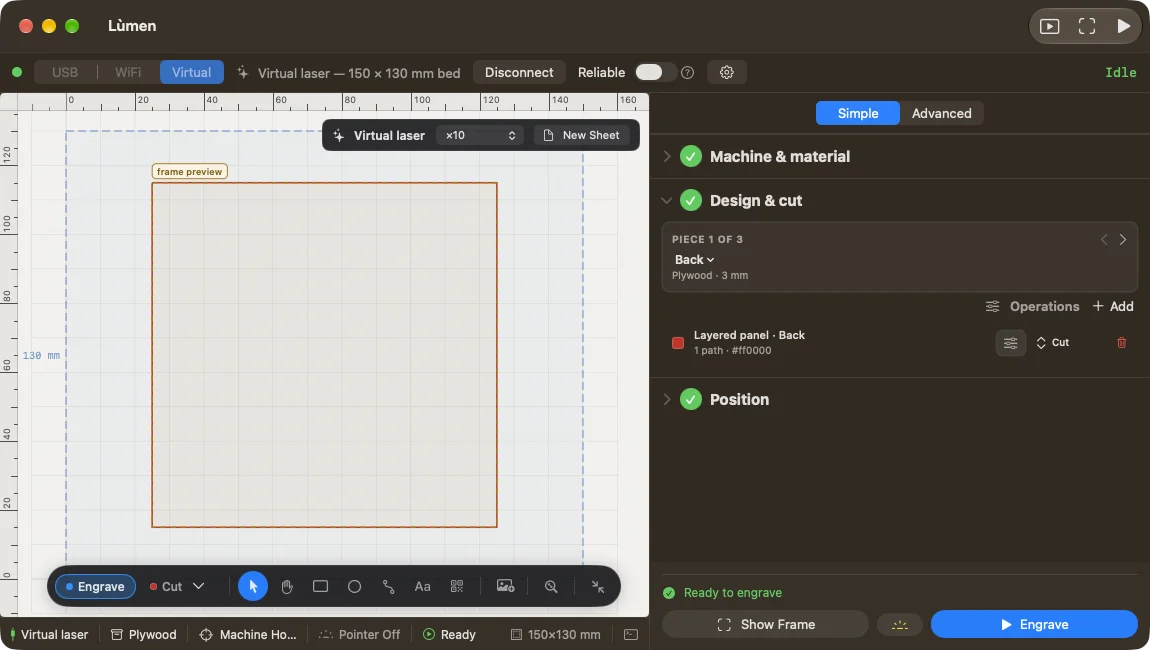
A .lumen file can hold several pieces, for example the layers of a panel. Each piece is a sheet and a job of its own. Lùmen shows one at a time: the selector above the list of objects moves from one piece to the next. Objects belong to their piece; the material and the operations apply to the whole project.
Save Project… keeps every piece and brings them back when you open the file. A project only gets several pieces from a .lumen: there is no command to add one by hand.